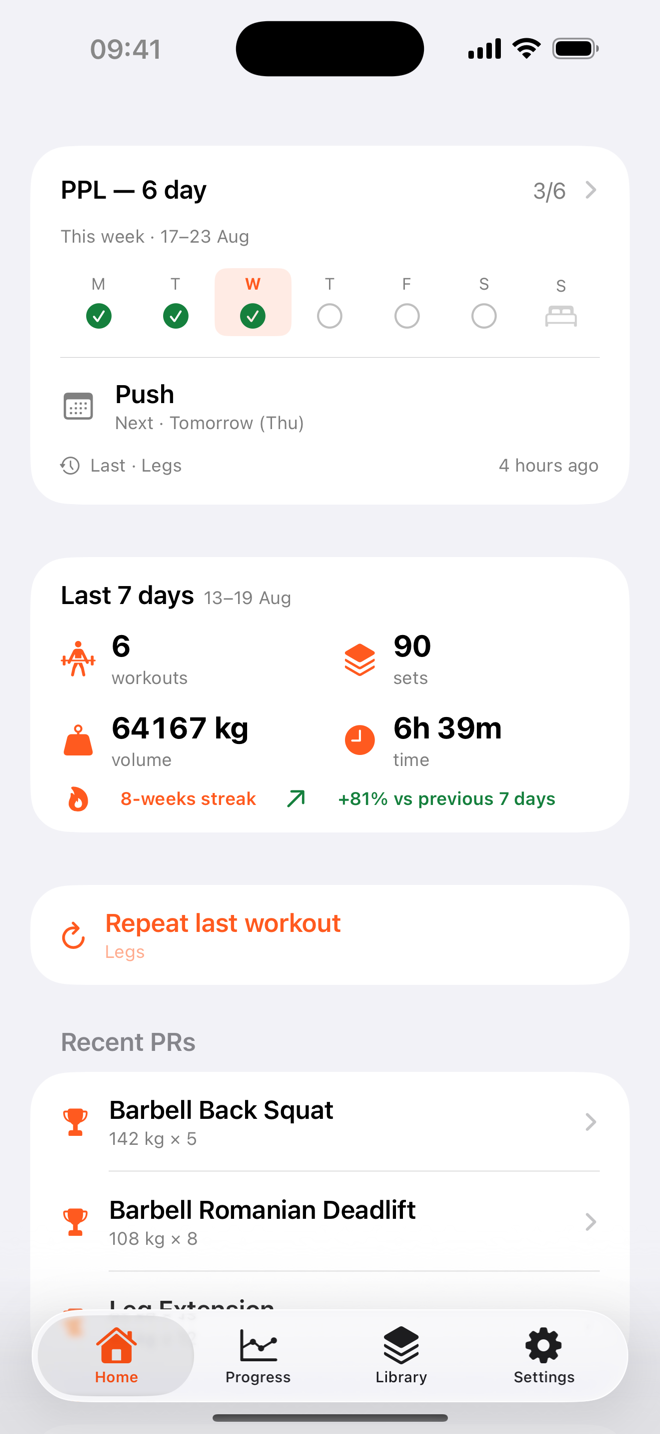

We want RepForge to be the best strength-training log you've used. If something isn't working, or you have an idea to make it better, we'd genuinely like to hear from you.
We usually reply within two business days. When reporting a problem, it helps to include your device model, your iOS version, and a short description of what you were doing when it happened.
Subscriptions are managed by Apple. On your device, open Settings, tap your name, tap Subscriptions, then select RepForge to change your plan or cancel. Cancelling at least 24 hours before your renewal date stops the next charge. See our Terms of Use for the full subscription terms.
Sign in with the same Apple Account you used to subscribe, open RepForge, and use Restore Purchases on the subscription screen. Your RepForge Pro access will be restored.
RepForge can export your entire history as a JSON file from the app's settings, which you can save or move to another device. If you use iCloud sync, your data also stays up to date across your own Apple devices automatically. Learn more in our Privacy Policy.
Yes. RepForge is local-first: your data stays on your device (and, if you enable sync, in your own private iCloud). Nothing is sent to us, and there is no tracking or advertising. Full detail is in our Privacy Policy.
RepForge runs on iPhone (iOS 17 and later) and includes an Apple Watch companion, home-screen widgets and Apple Health integration.